Flutter-UI-Reality
Practical Flutter UI implementations preserved and modernized as an open-source learning and reference collection.
mobile_application_activity_04
Legacy compatibility notice: This historical example uses a Dart 2, pre-null-safety dependency set and does not currently resolve on stable Dart 3. Its implementation journal is retained for learning. A coordinated migration is planned; see the root maintenance policy.
Let’s draw some line. Design
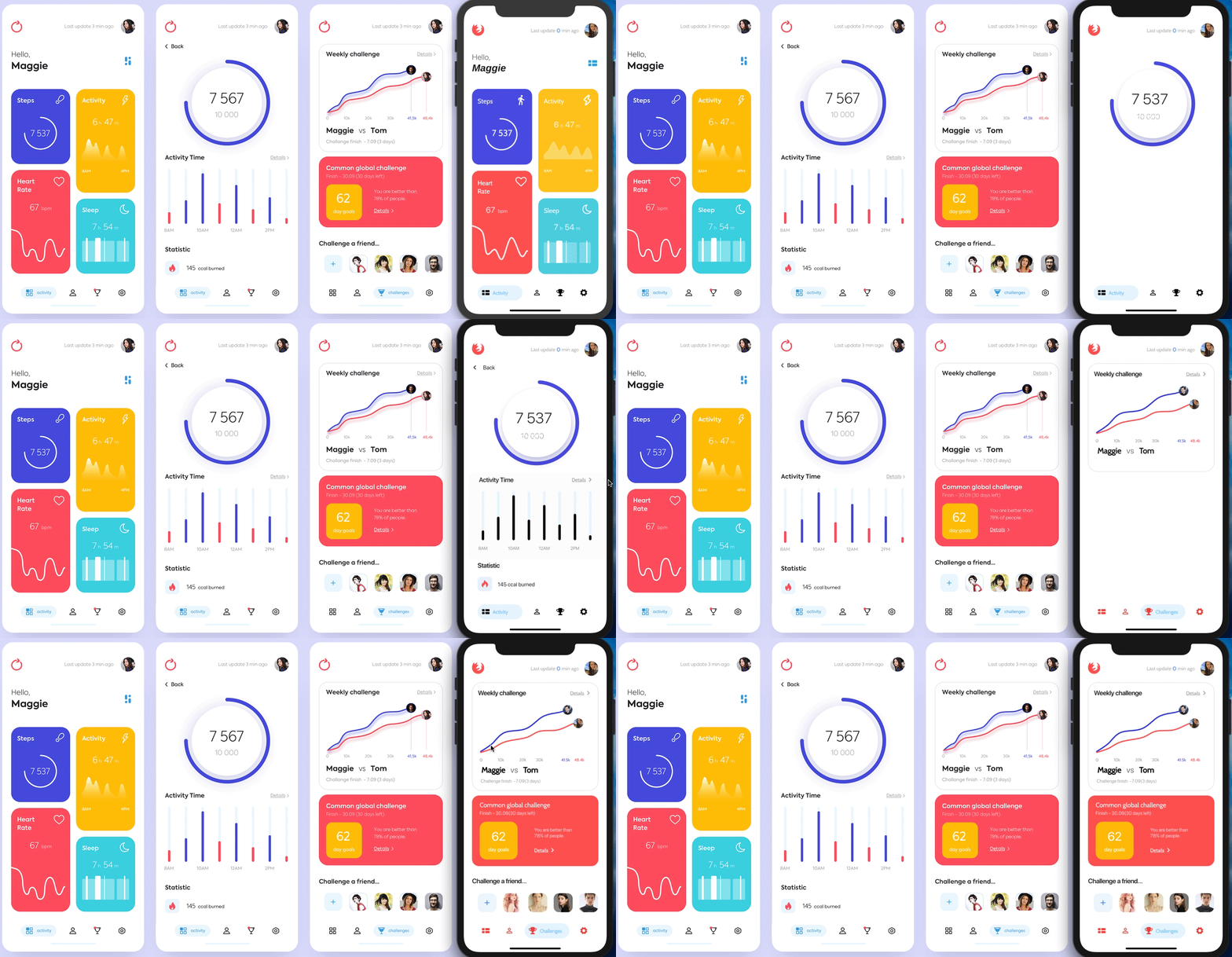
Day 1
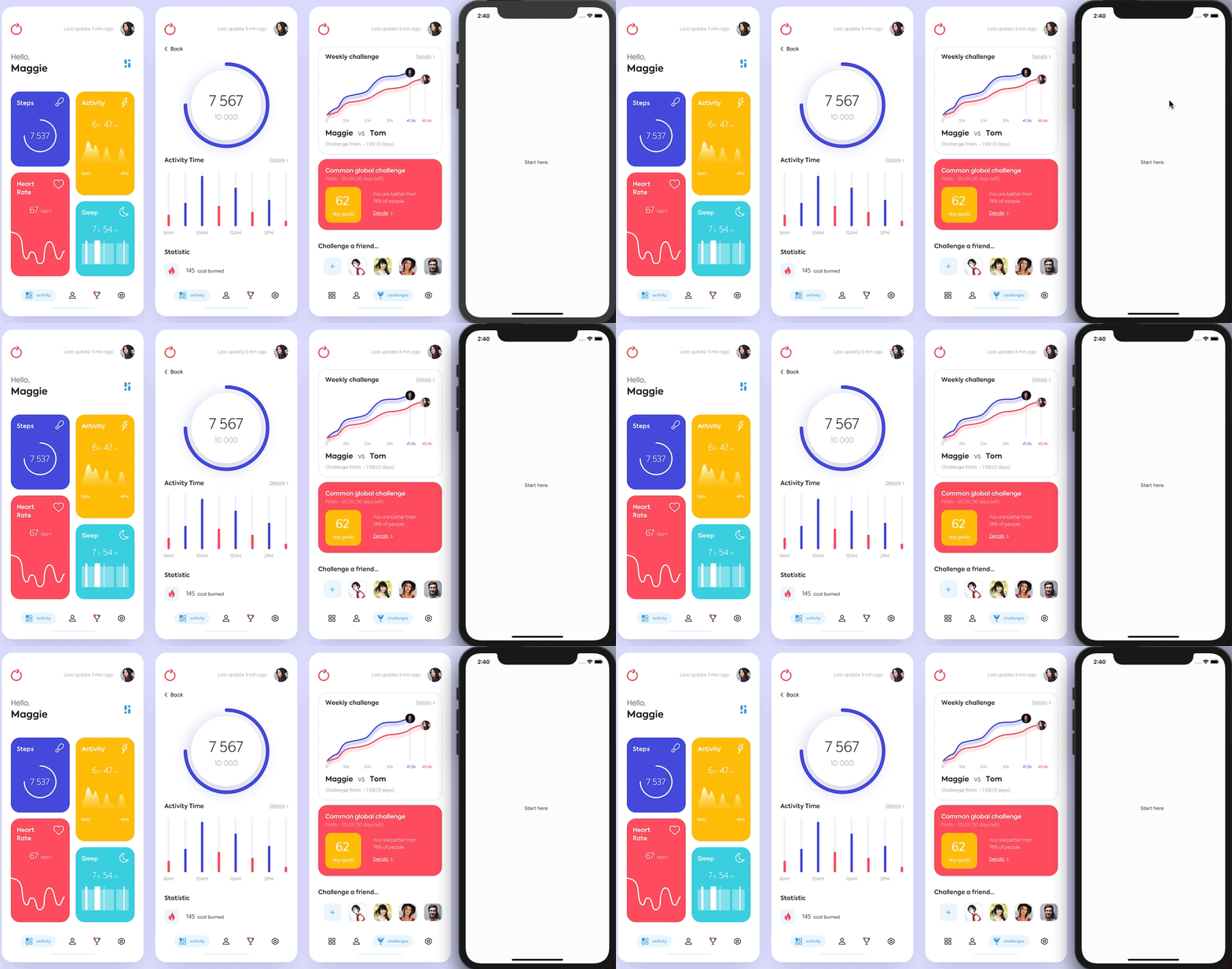
- Start a new journey.
To do:
- Use bottom_navy_bar ✅
- Use Flexible + FractionallySizedBox for the layout
- Use Hero to expand > page 2
- Use AnimationController for building UI(Content)
Good example for how to use List data:
https://www.youtube.com/watch?v=leA2nZYM9jY&t=480s
🔥Recommended for using different type of data:
# Day 2
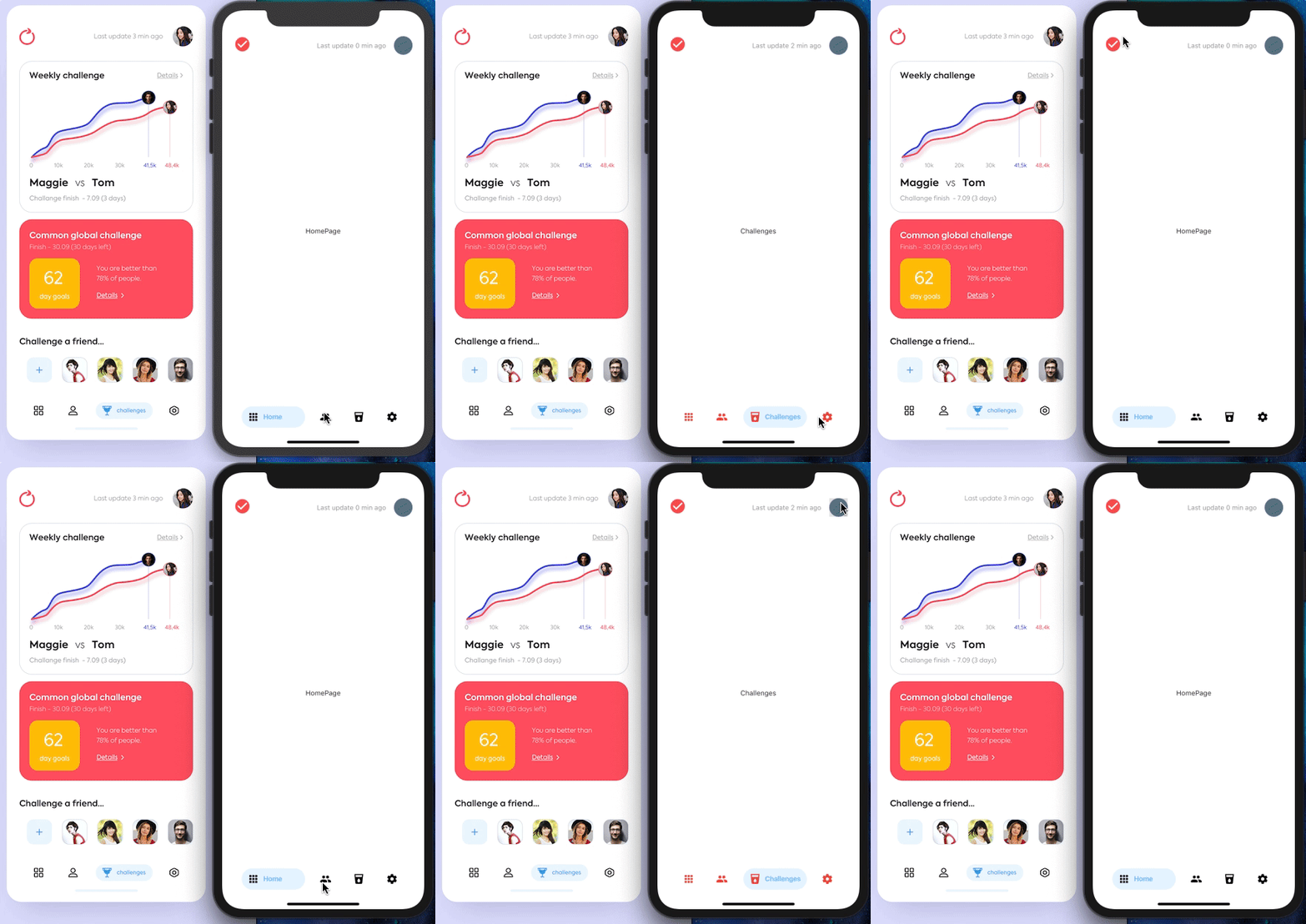
- A good Start
To do:
- Use CustomIcon for building appBar's content  ✅
- Use DateTime for 'x' mins ago ✅  (Use seconds for better demonstration)
- Use flutter_shimmer for chart effect!
- Use FadeInImage for loading image from Internet
- In addition,learn how to implement google_map_flutter
- Use ValueListenableBuilder to value data in one time Good resources to create a time loop: <a href="https://stackoverflow.com/questions/14946012/how-do-i-run-a-reoccurring-function-in-dart">reoccurring function, in Dart?</a>
# Day 3
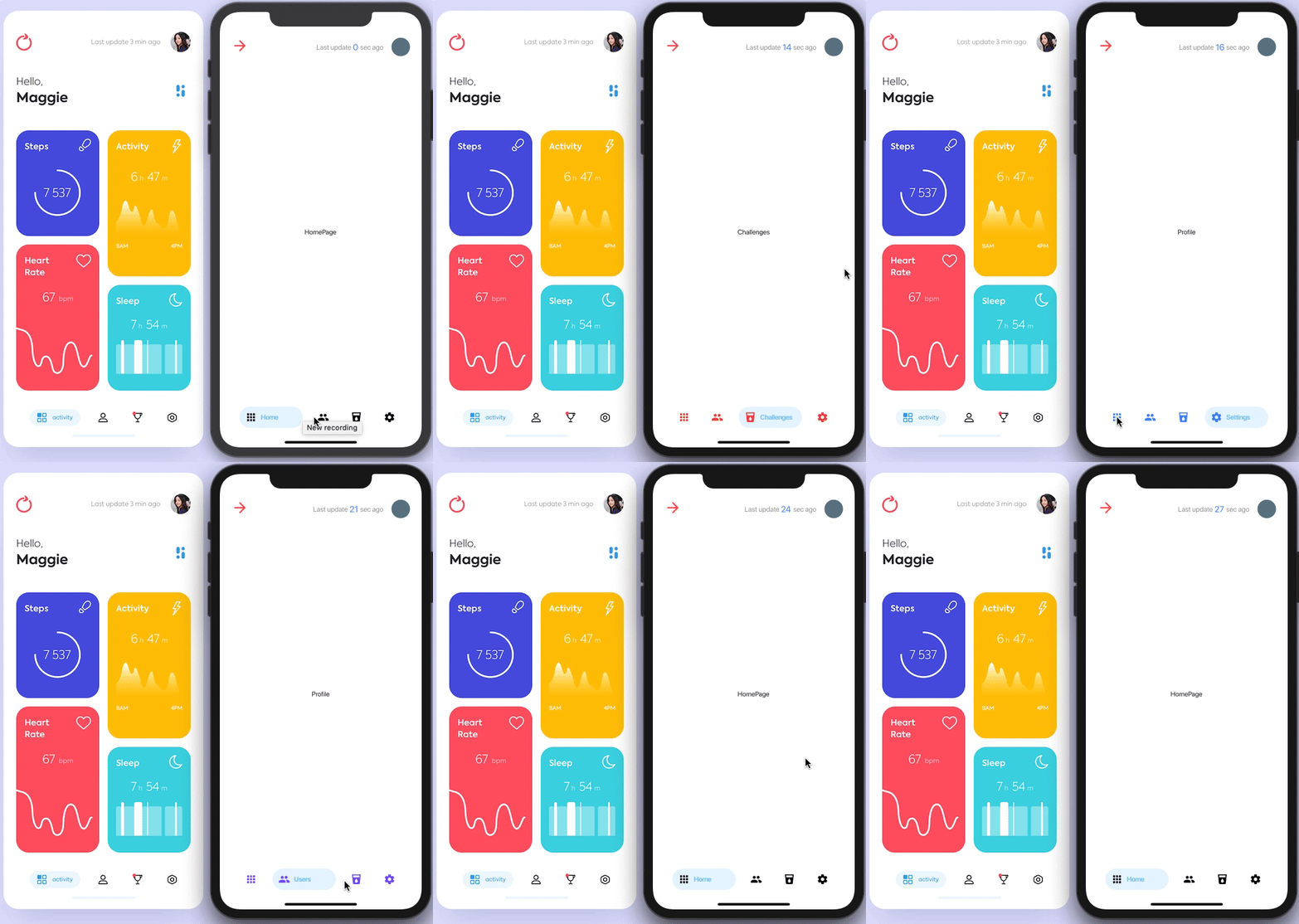
- A struggle period  Quick way to launch simulator in VSCODE:

open -a simulator
flutter run
# Day 4
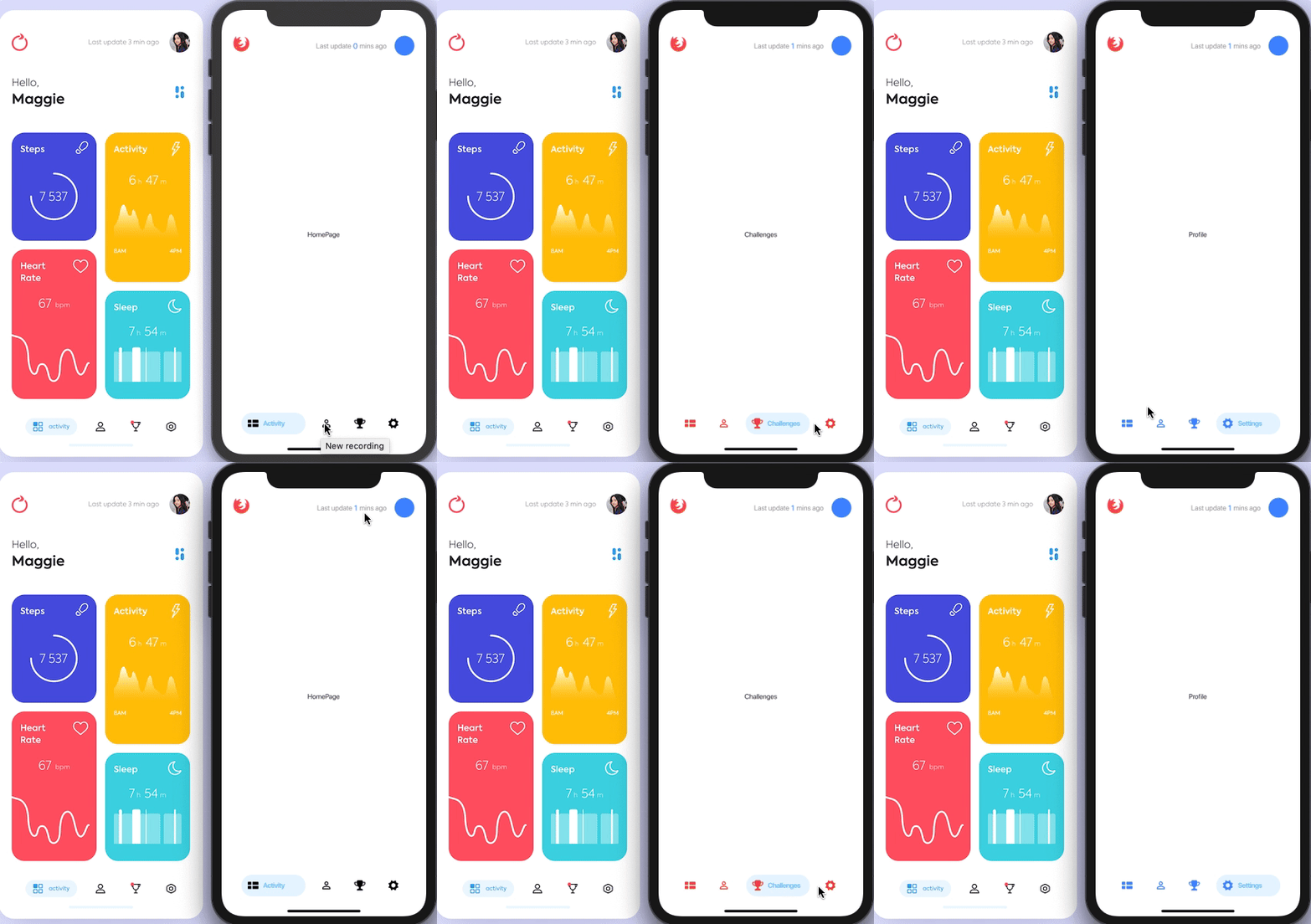
- iOS13 is nuts! Hot restart is not working (Solved)
# Day 5
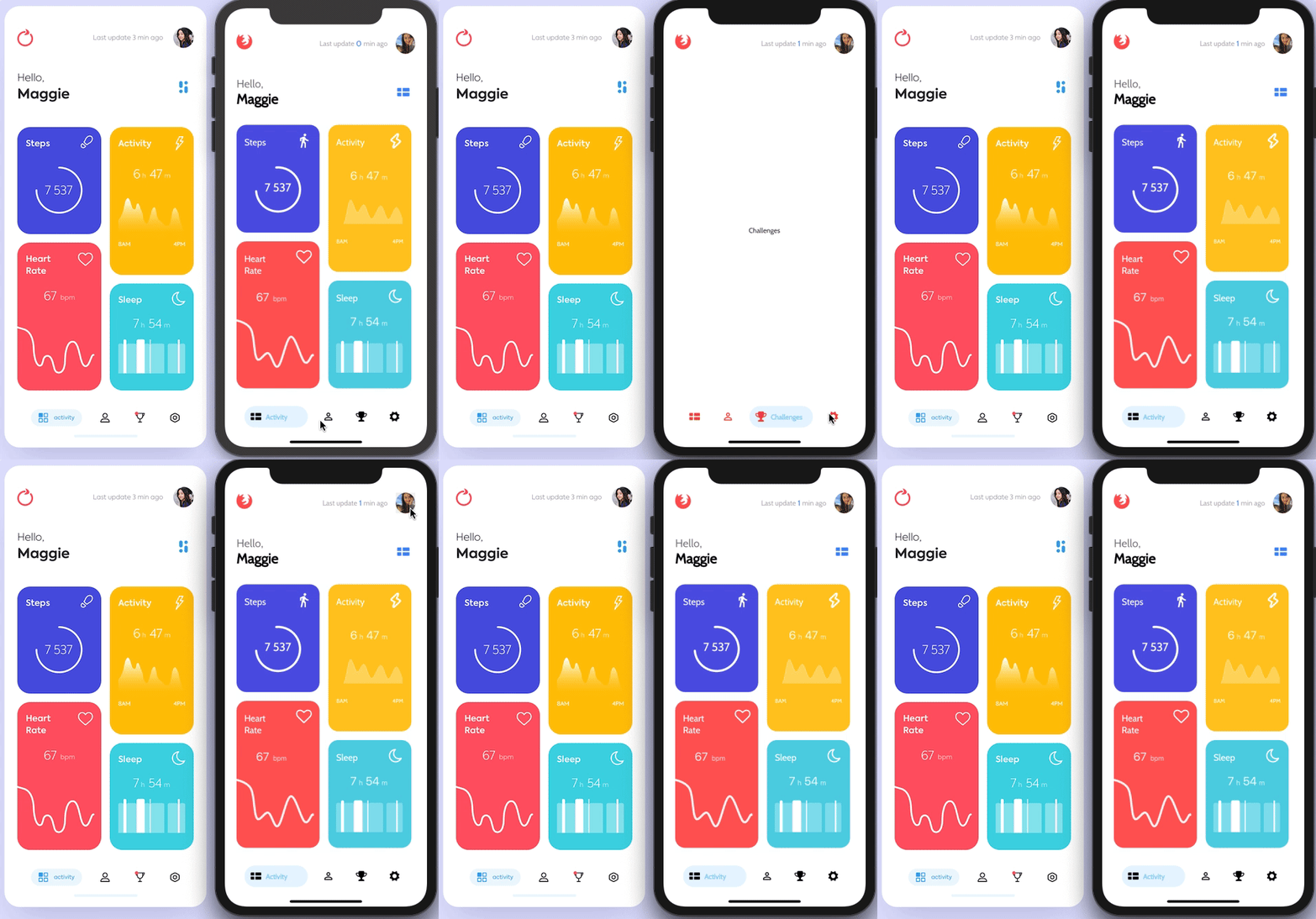
- Tough!But learn how to use custom paint!
- Would use custom font  ✅
- Use Bar chart with fl_chart in activity time
# Day 6
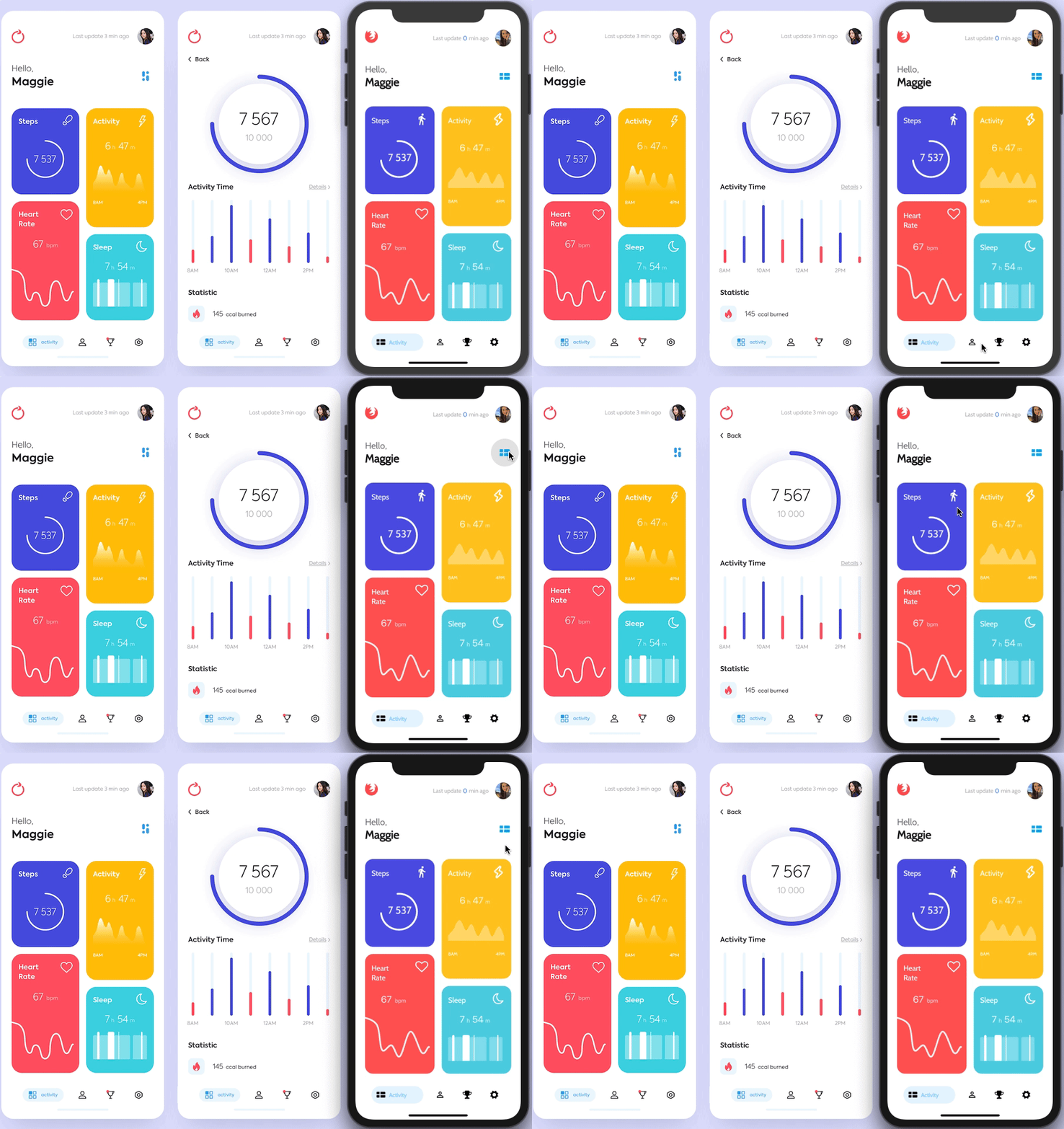
- PageController ✅
# Day 7
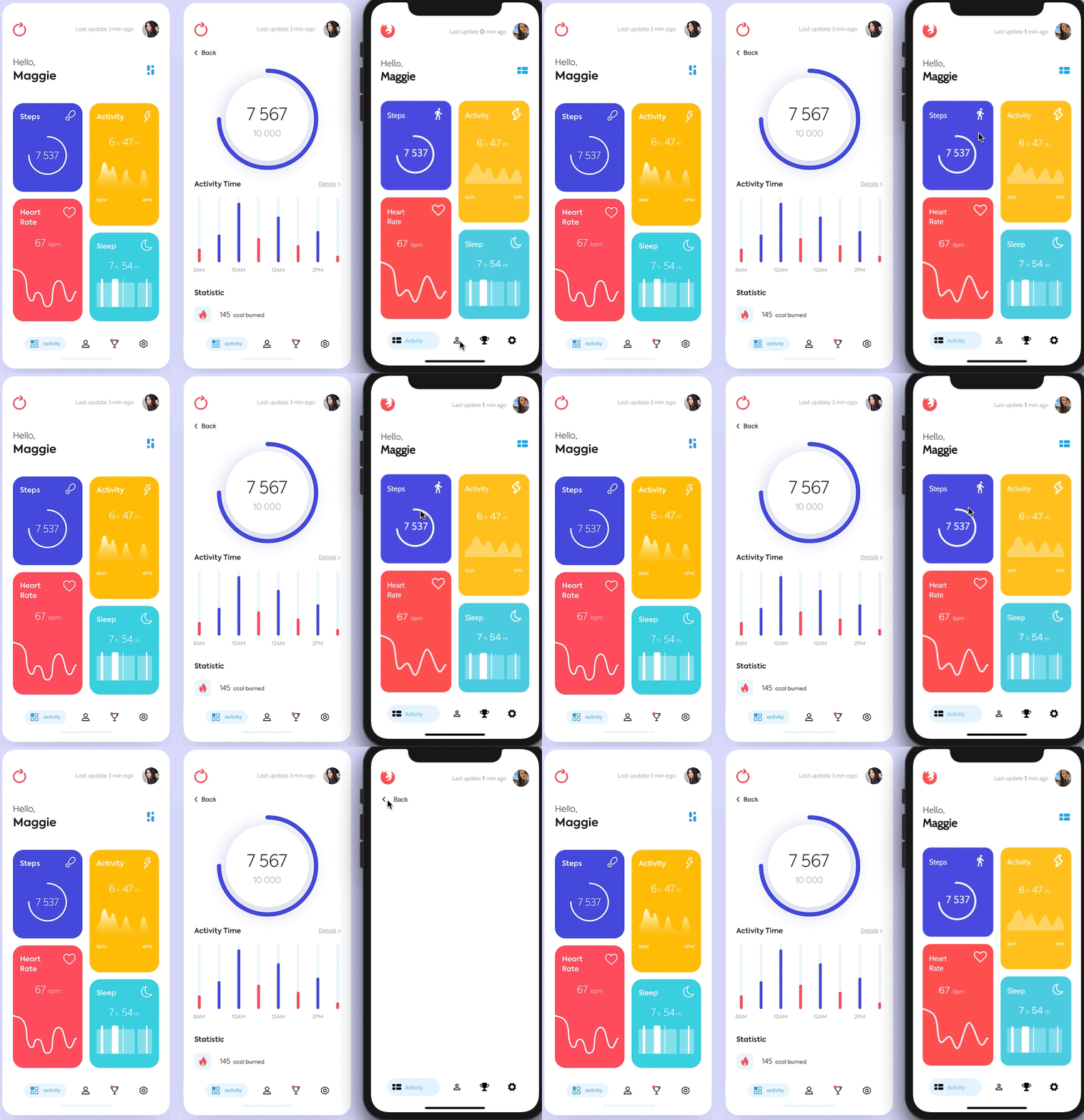
- Iconbutton ,navigate to previous page ✅
# Day 8
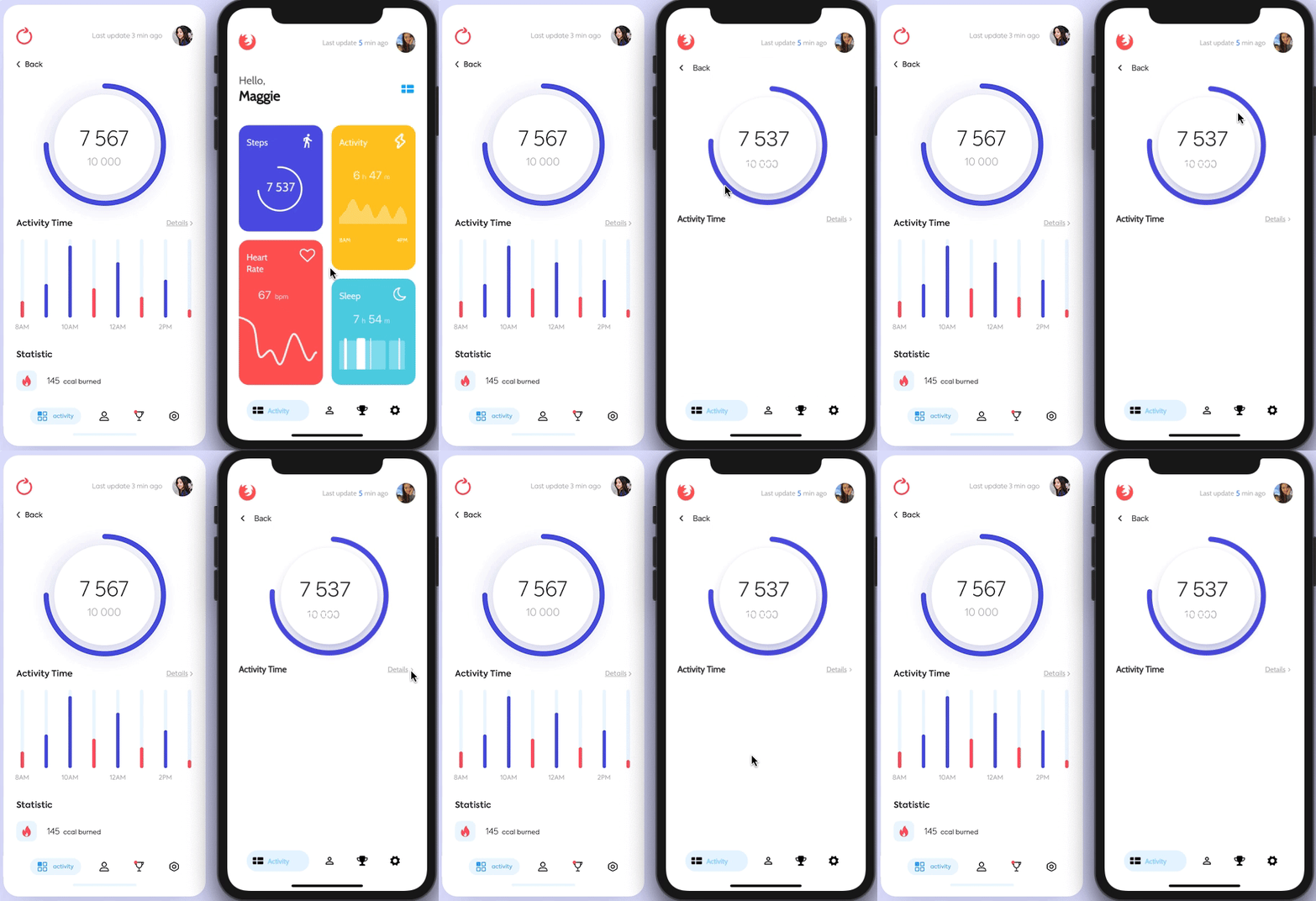
- CustomPaint ,Container with row (Text and Inkwell with Icon) ✅
# Day 9
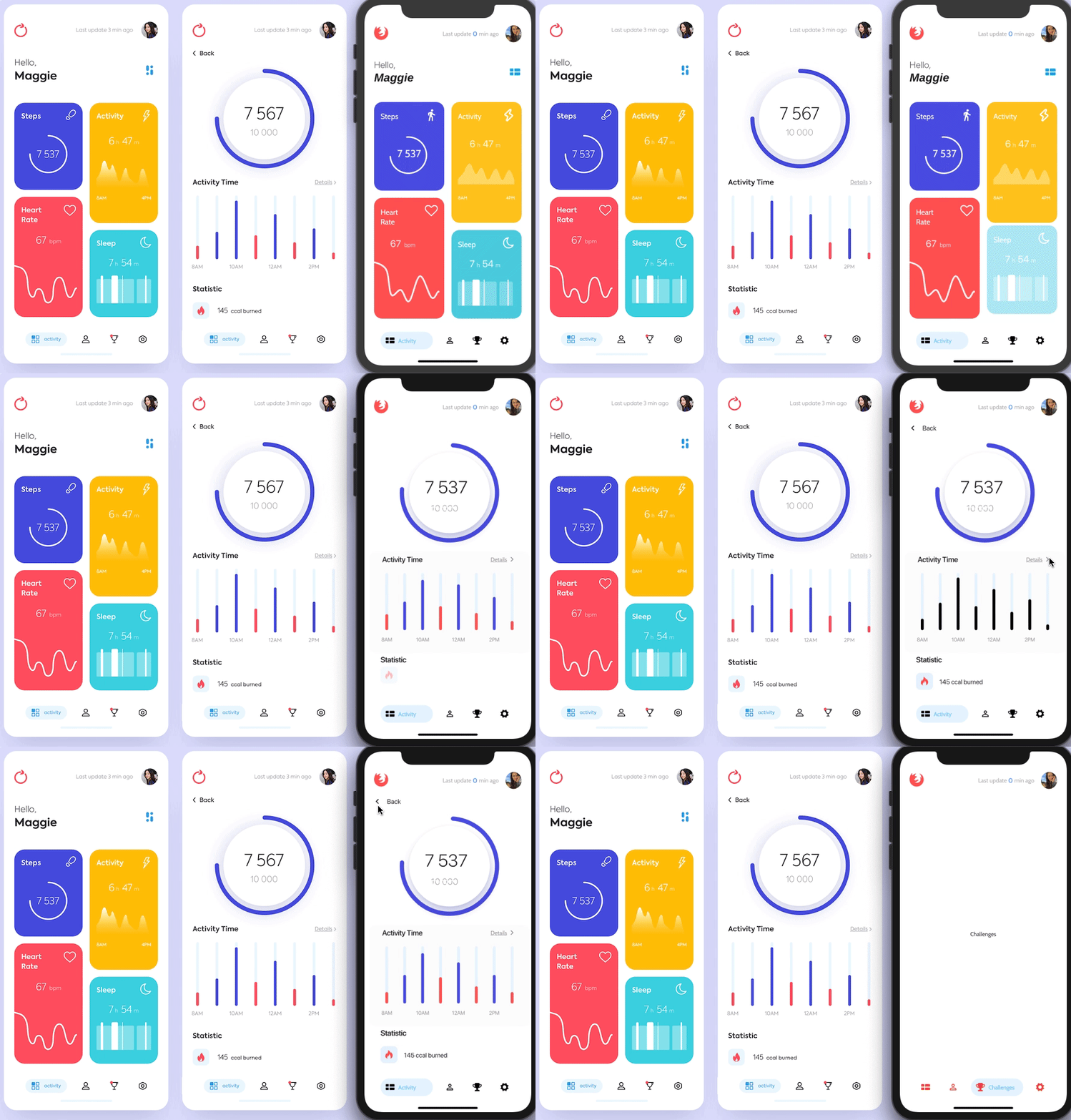
- BarChart ✅
- FadeAnimation ✅
# Day 10
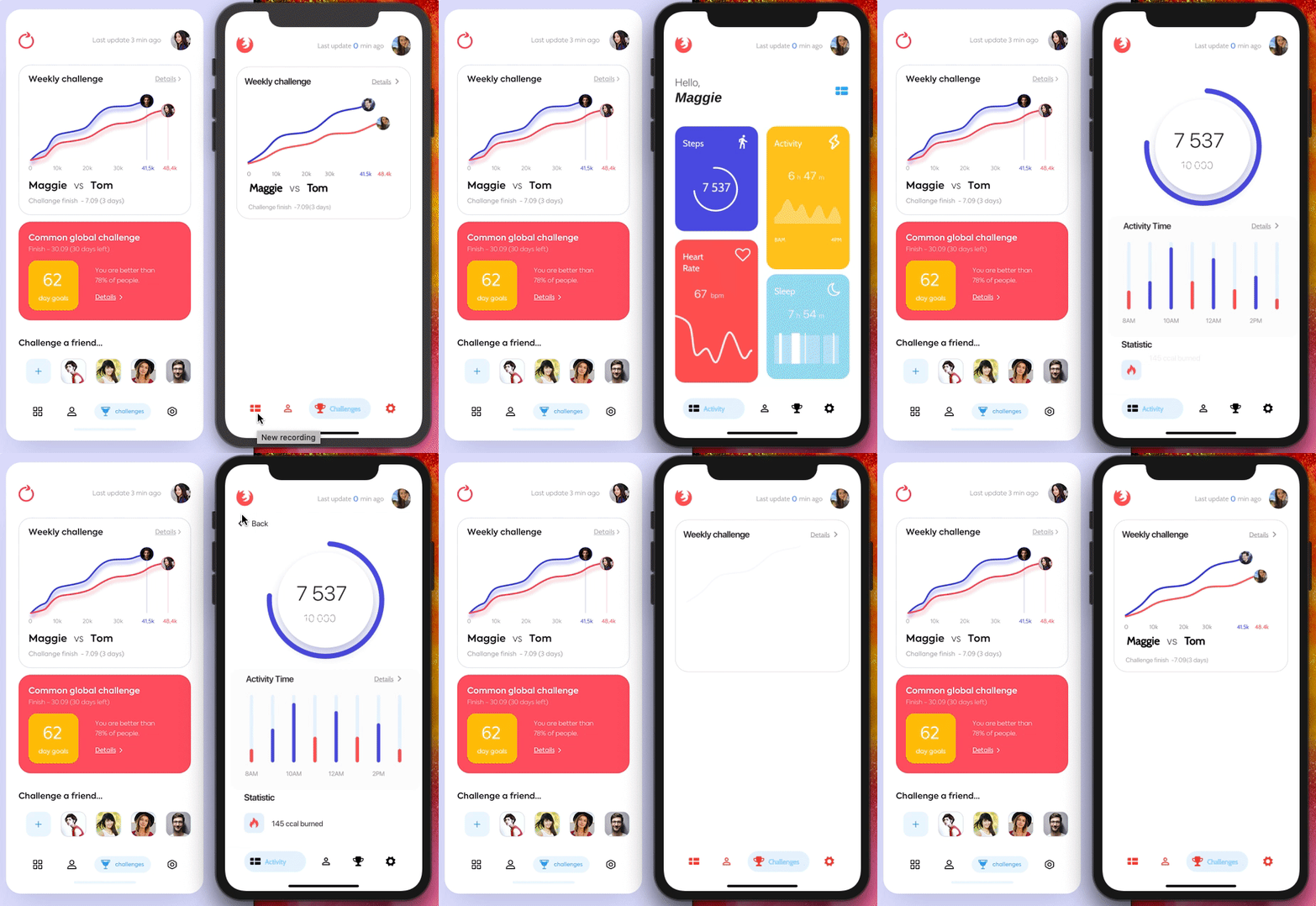
- Weekly Challenge ✅
- Almost finished ......
# Day 11
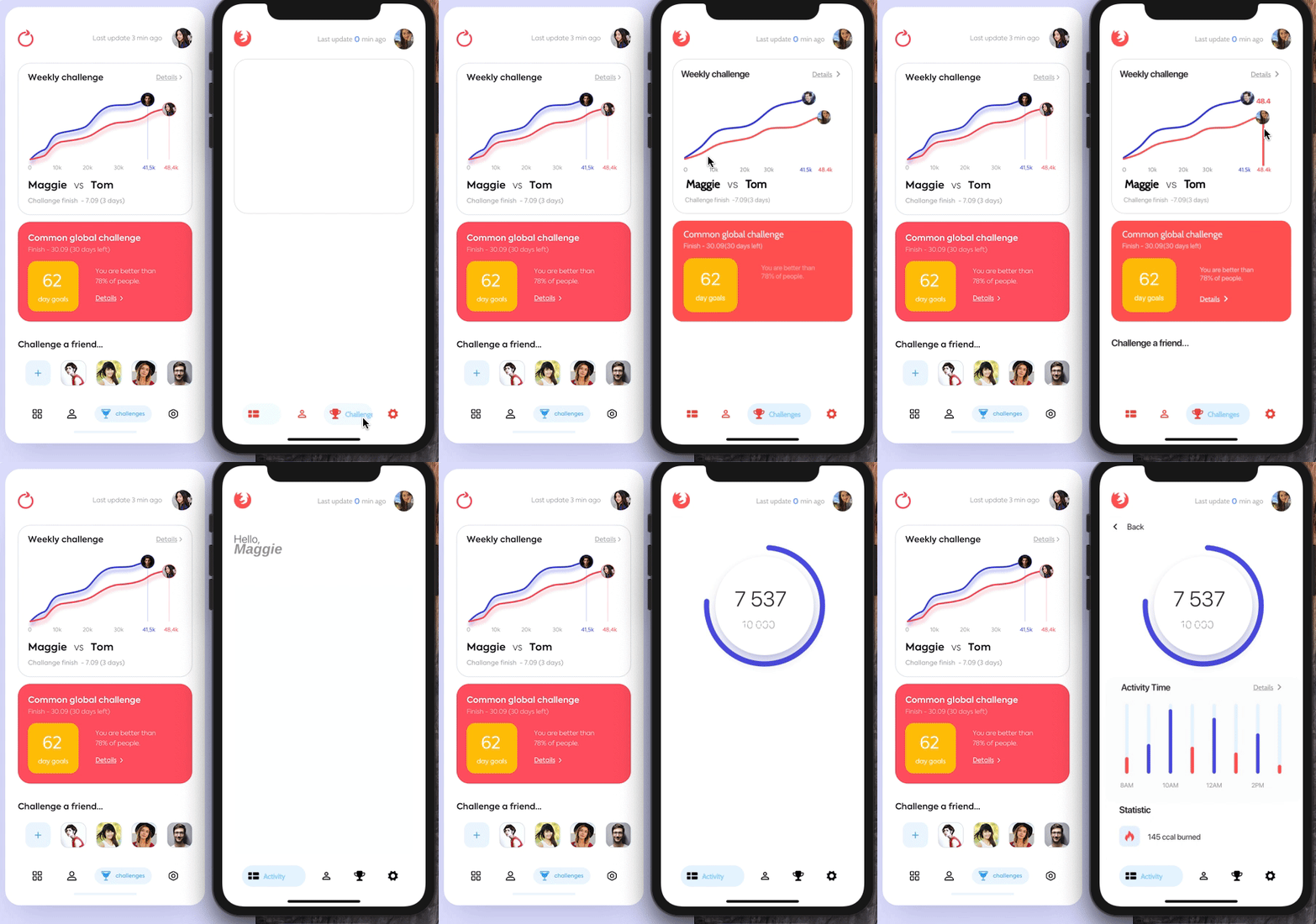
- Common global challenge ✅
# Day 12
- Project finished ✅
Example: Flutter Party Event Application UI and Animation - Flutter UI Design
Resources
Simple app state management(Provider)