Flutter-UI-Reality
Practical Flutter UI implementations preserved and modernized as an open-source learning and reference collection.
friendly_forest_02
Legacy compatibility notice: This historical example uses a Dart 2, pre-null-safety dependency set and does not currently resolve on stable Dart 3. Its screenshots and implementation journal are retained for learning and provenance. A coordinated migration is planned; see the root maintenance policy.
That would be amazing. Design
Day 1
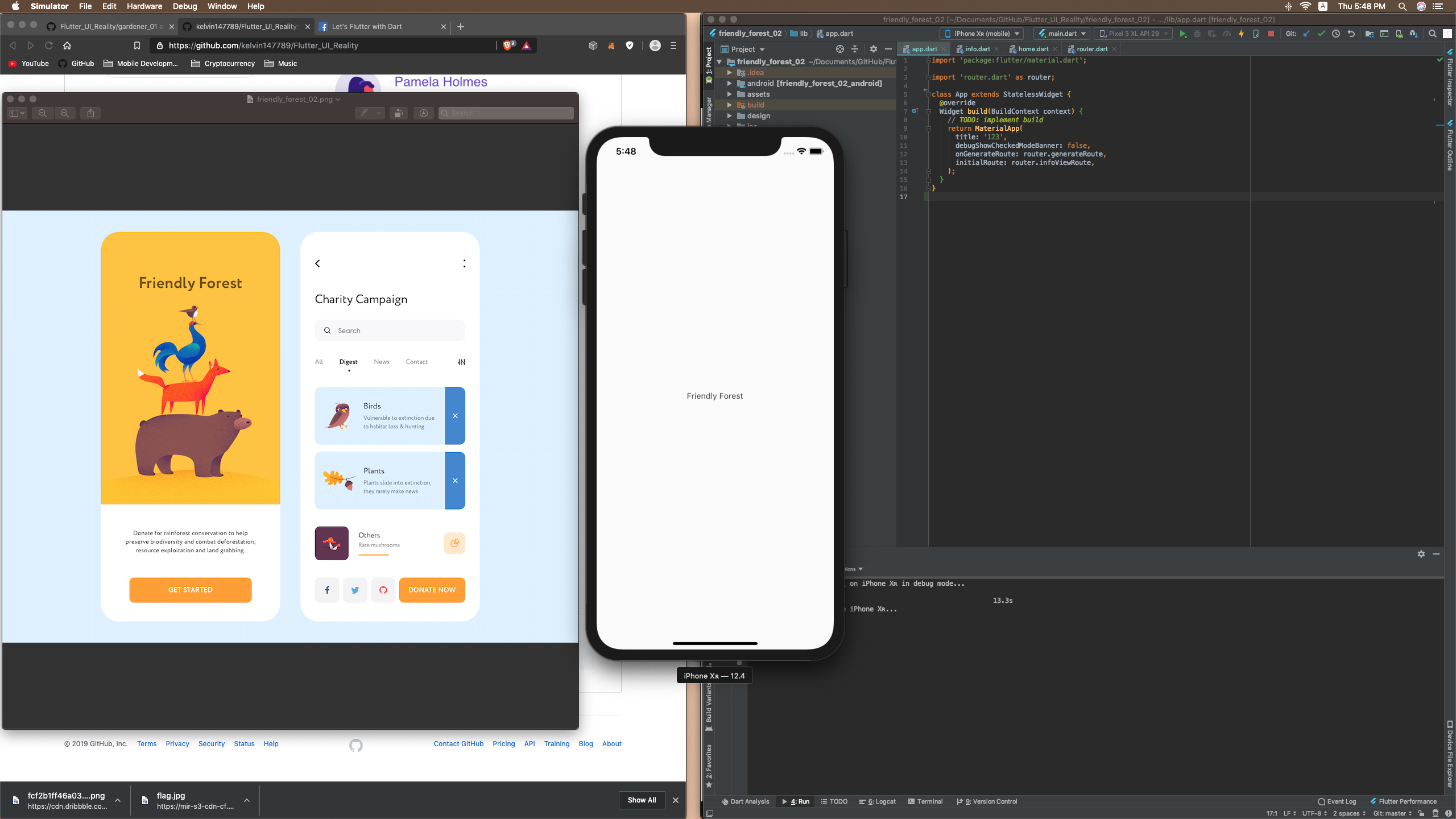
Day 2
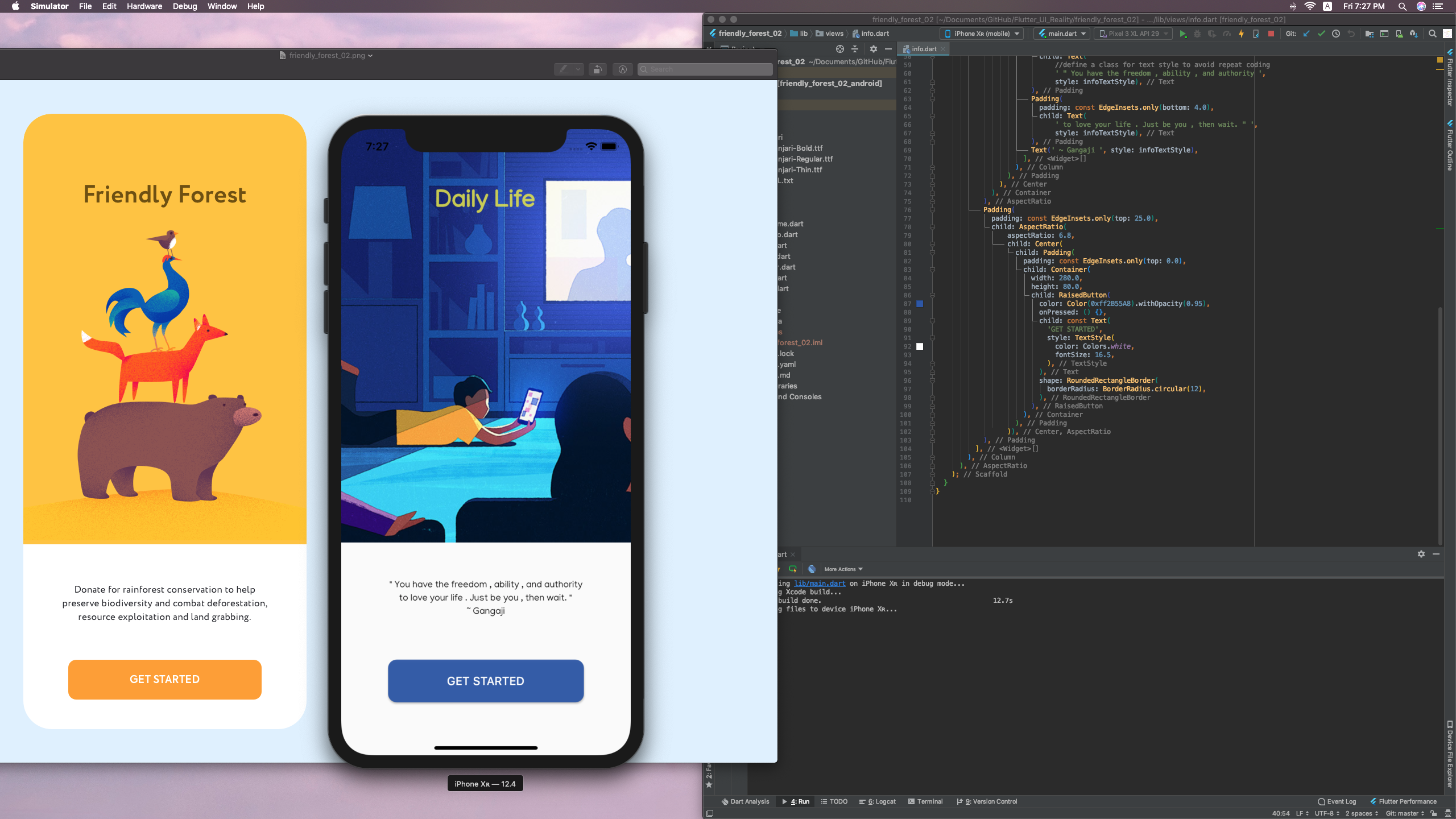
The style of font needs to be changed.(Family,Align) *Updated
Day 3
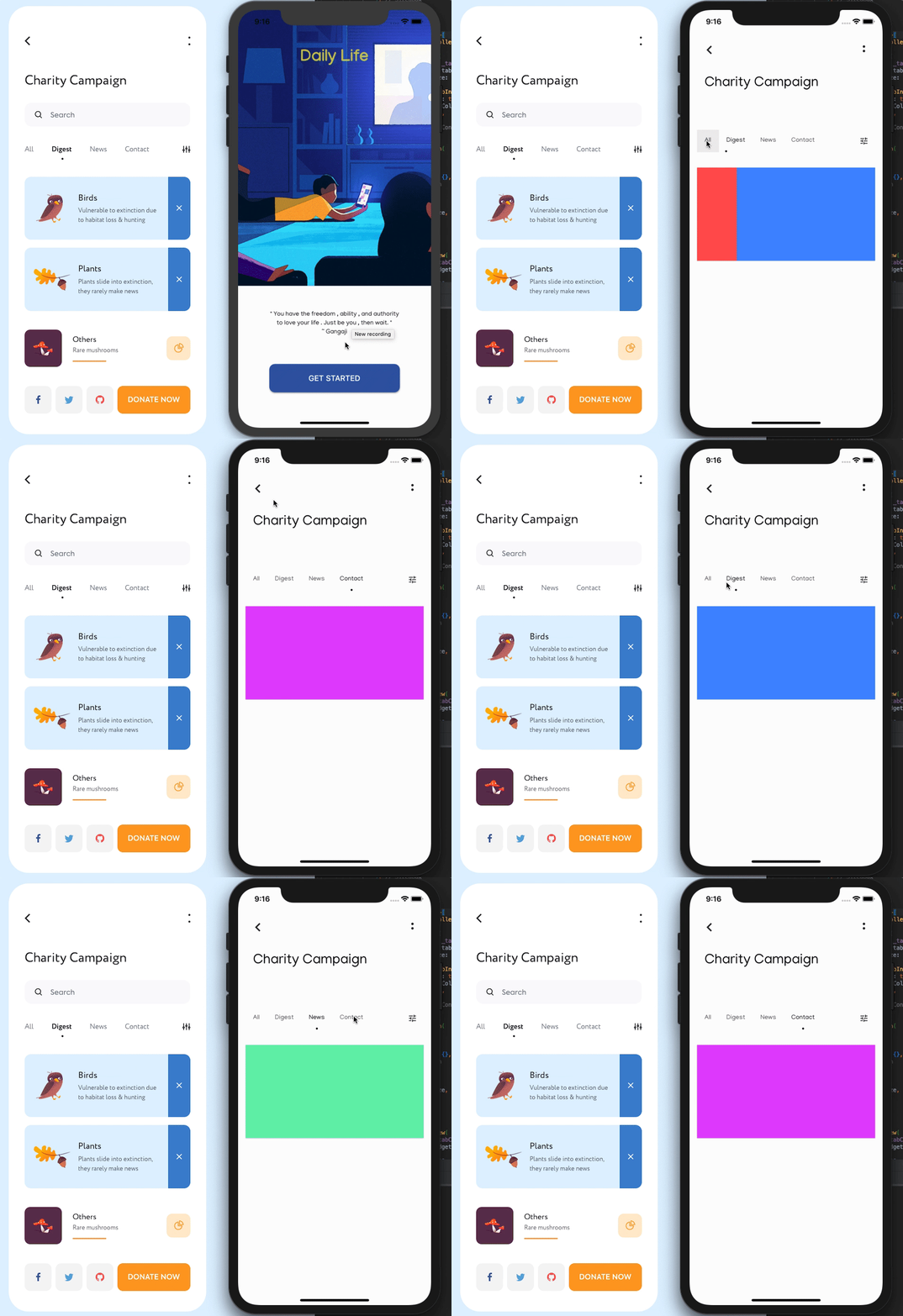
- Objectives: Input Decoration + TabController * TabController Finished
- Probably try IndexedStack to switch the page with index later on *Waiting to test
- Declare a variable at first at first and change its value with setState and and
- use that variable later on and build Widgets according to that variable using if else or switch case.
@ Solution: TabBarView
-Waiting to finish: Input Decoration (Search Bar)   Useful Resource:   <a href ="https://stackoverflow.com/questions/57889326/how-to-add-a-circular-dot-as-an-indicator-in-flutter-tabs">Dot Circle  Tab Indicator </a>
Day 4
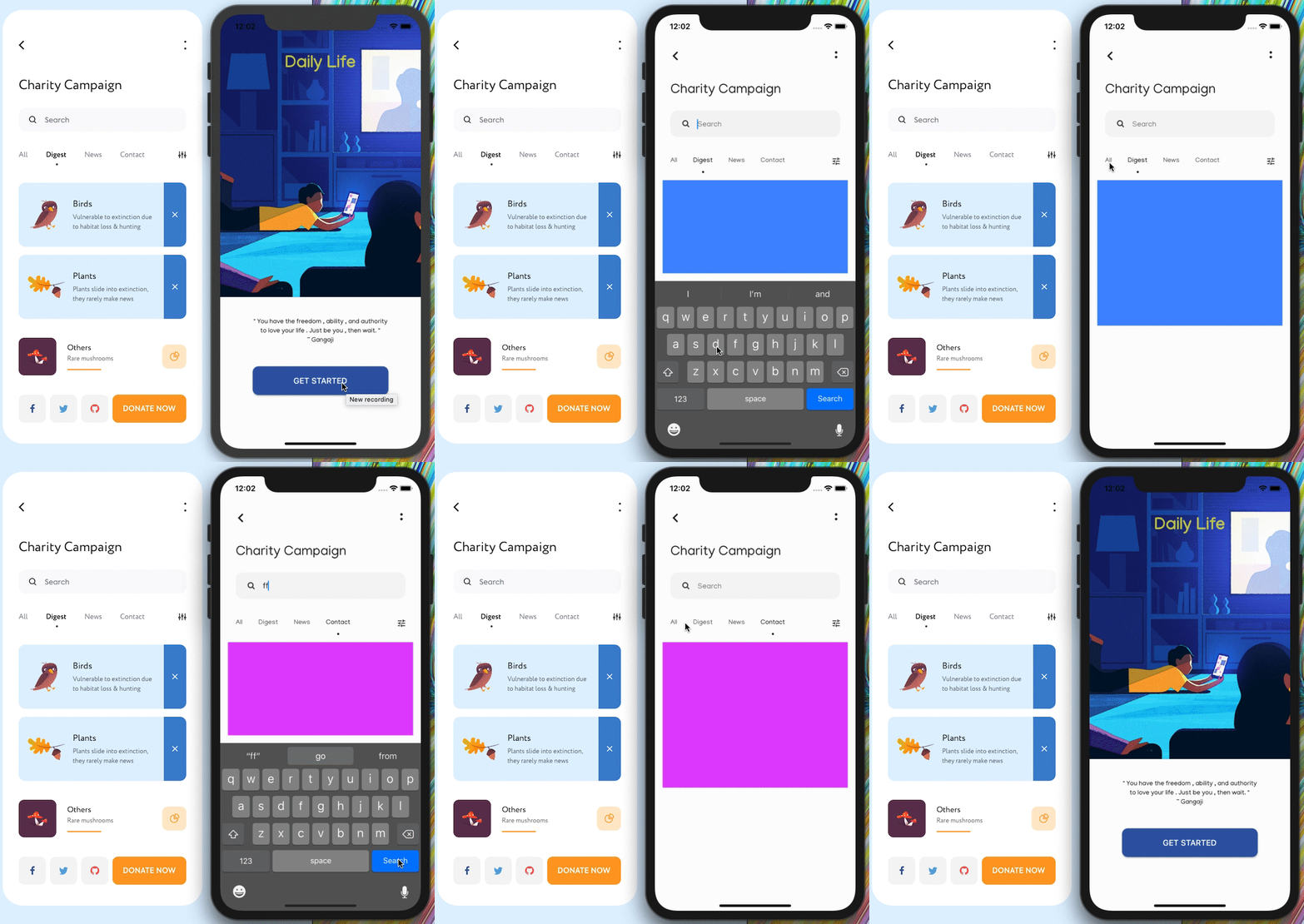
 - Finished TabBarView and SearchBar(Input Decoration)
 - Dig into some listener,good article for textfield
 - Next Objectives:Card with Row (Or ListView) :
 - Use Dismissible to dimiss the object
 -(build a widget to avoid hard coding)
 - Class for storing different data(pic + name + description)
 * Problem: The info page is overflowed by keyboard when restarting the app without dismissing the keyboard.
 * Solution: (Challenge)to dismiss the keyboard when launch the app,but still usable in TextField

 To support flutter web:
 -  flutter channel master
    flutter upgrade
    flutter config --enable-web
    cd <into project directory>
 *  flutter create .
    flutter run -d chrome
    To generate a release build:
 *  flutter build web
Useful Resources:
Reference for Widget and Class
A deep dive into Flutter Textfields
# Day 5
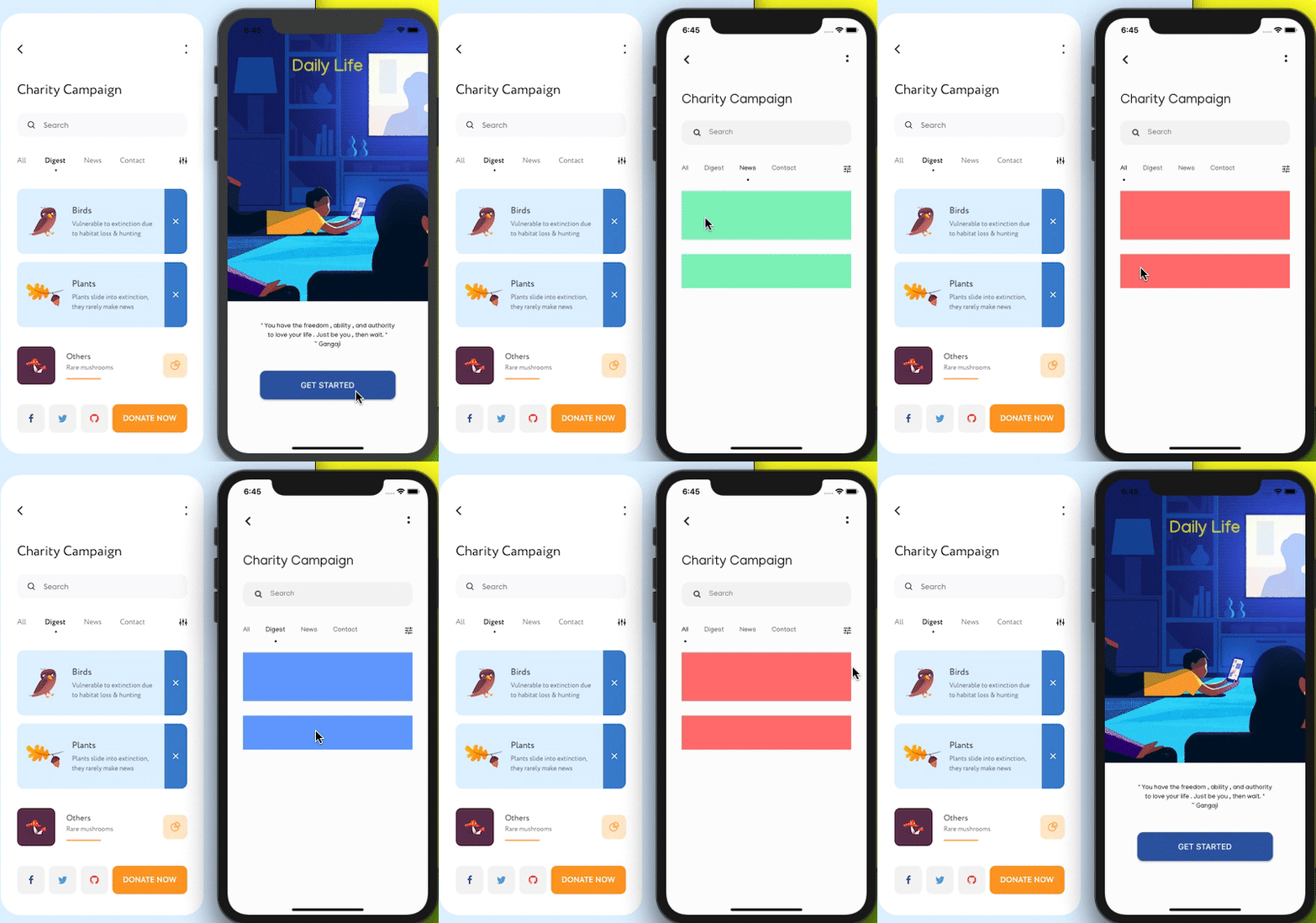
- Hard Coding mode,as can't push the index to change the colour when clicking the tab
- Would finish this project as soon as possible.And learn how to use setState and BloC to change state
- Those remaining part are not hard,as data is the most difficult part in this project.
Day 6
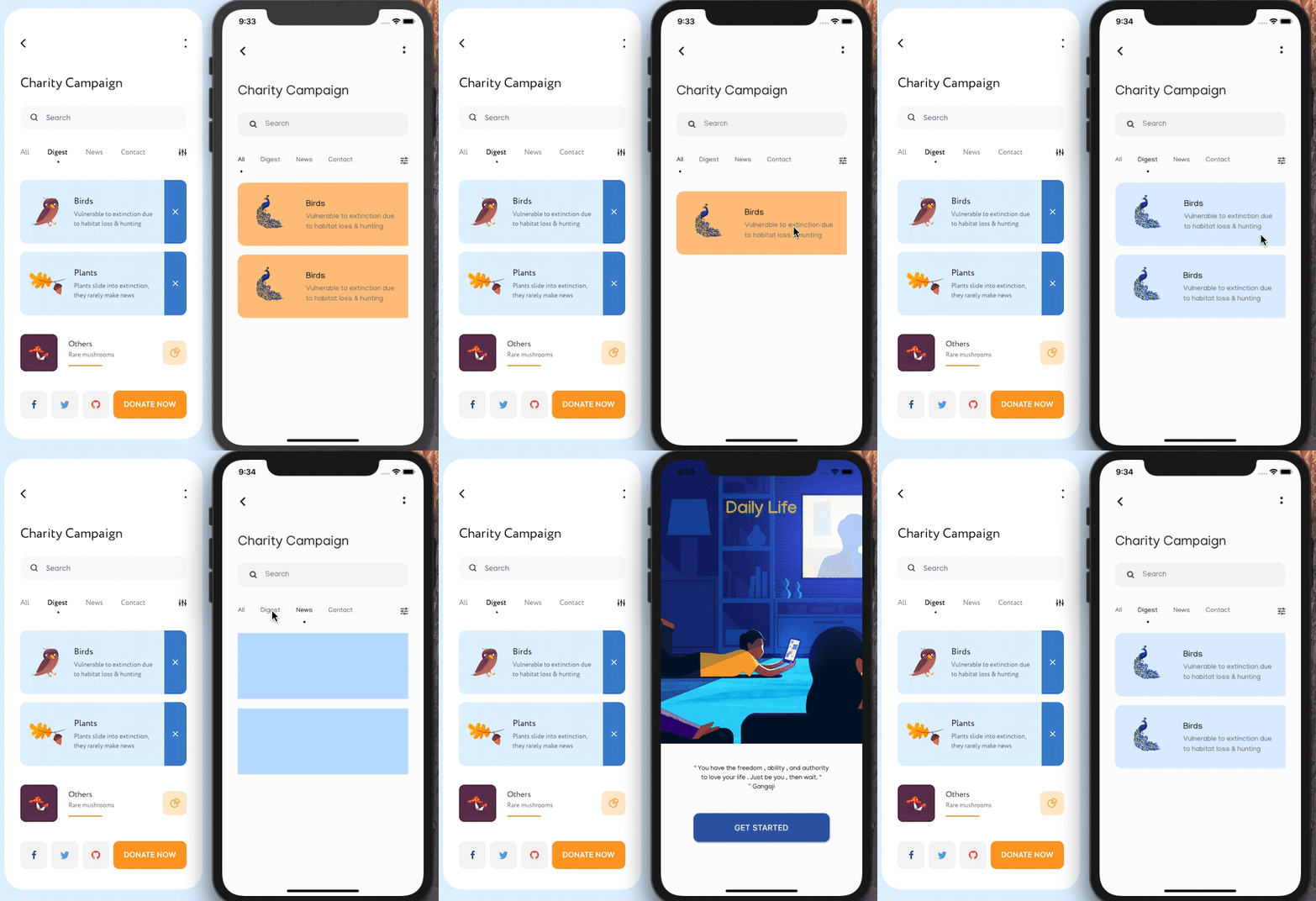
- Hard Coding mode...
- Would finish the project with basic component
Day 7
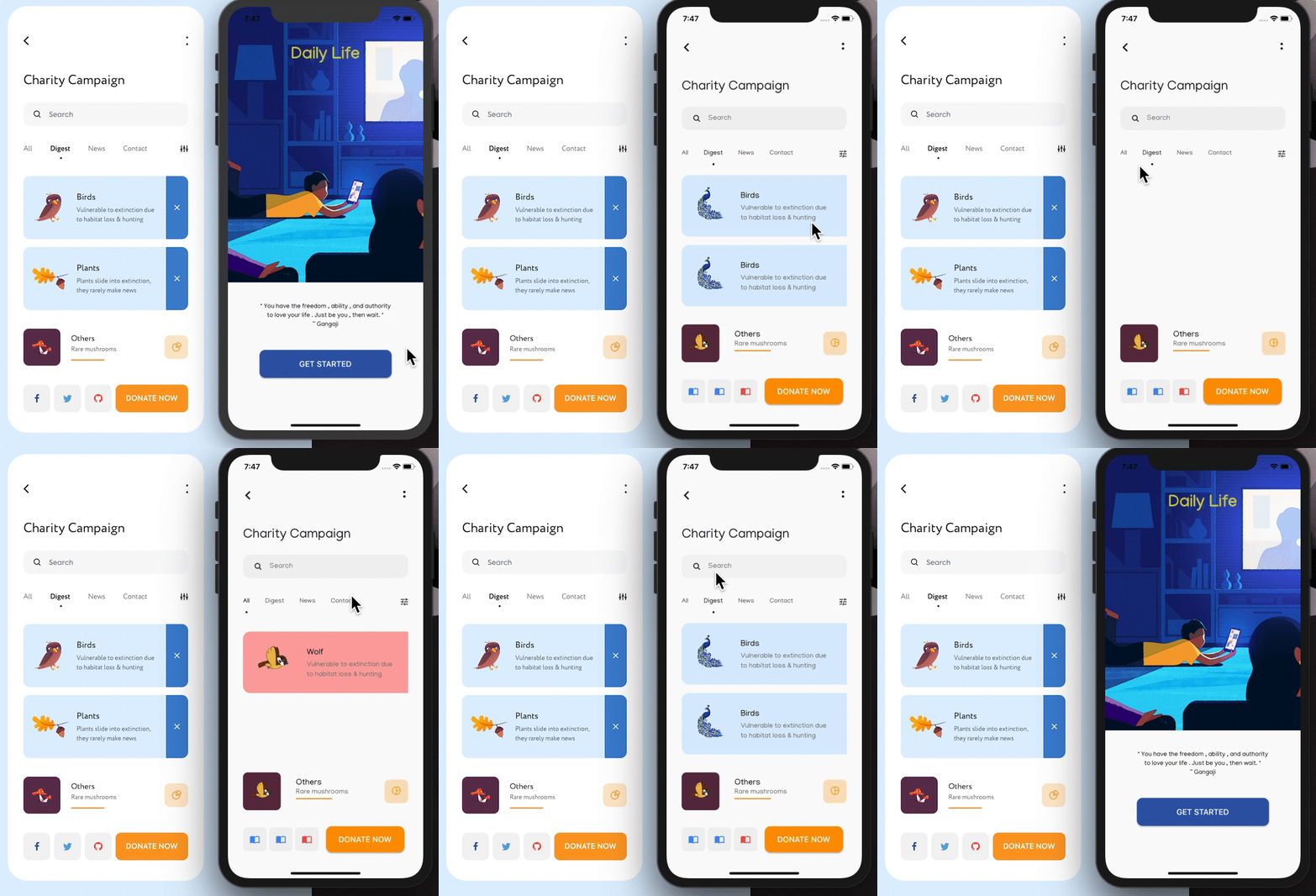
- Use Custom Icon
Day 8
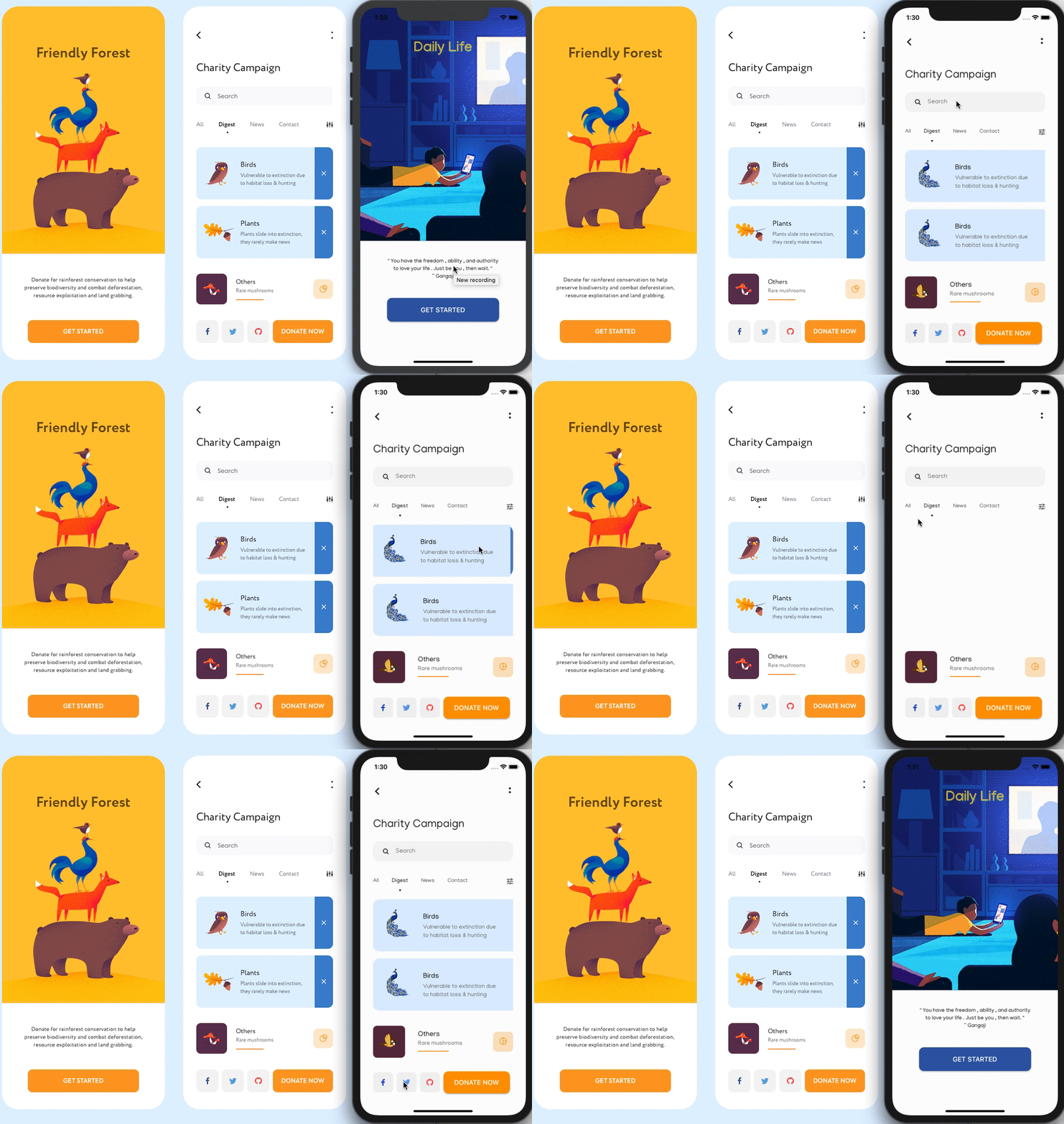
- It is not prefect at all
- Finished
- Suggestion: Learn how to use BloC to build backend,also better UI design and coding style is recommended.